从 After Effects 导入
如果你是 After Effects 用户,你可能会发现将你的 After Effects 合成转换为 Remotion 合成很有用。你可以使用 @remotion/lottie 包来实现这一点。
🌐 If you are a After Effects user, you might find it useful to convert your After Effects compositions to Remotion compositions. You can use the @remotion/lottie package for this.
Remotion 组合之所以得名,是因为 After Effects 首创了这个术语!
安装 Bodymovin 插件
🌐 Install the Bodymovin plugin
- 确保 After Effects 已关闭。
- 访问 此网站 并下载适用于你平台的 ZXP 安装程序。
- 点击 这里 下载最新的 Bodymovin 插件。
- 打开 ZXP 安装程序,然后将 bodymovin 文件拖入其中。
写一篇作文
🌐 Create a composition
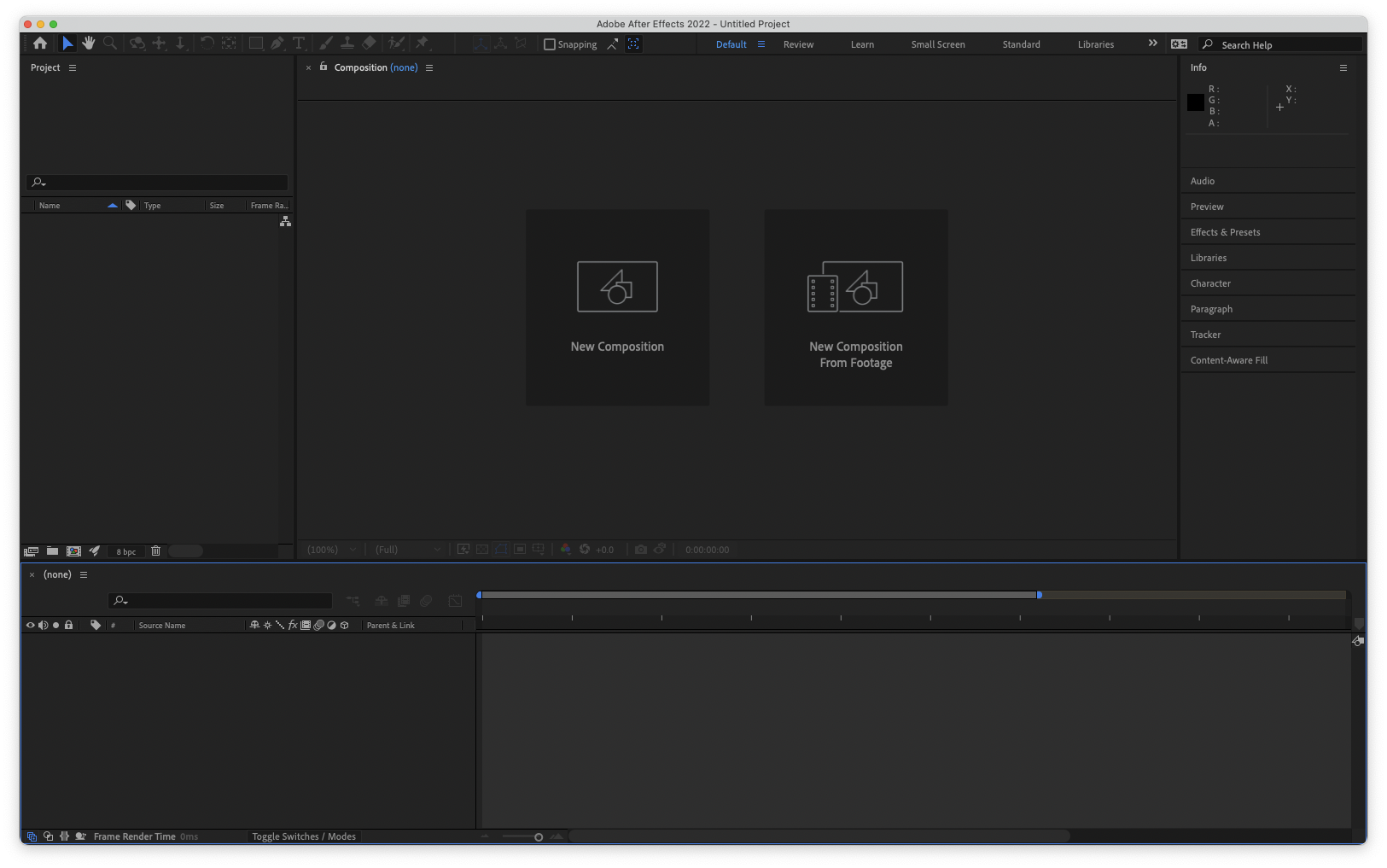
打开 After Effects 并创建一个新项目,然后点击 New composition。
🌐 Open After Effects and create a new project and then click New composition.
创建你的动画
🌐 Create your animation
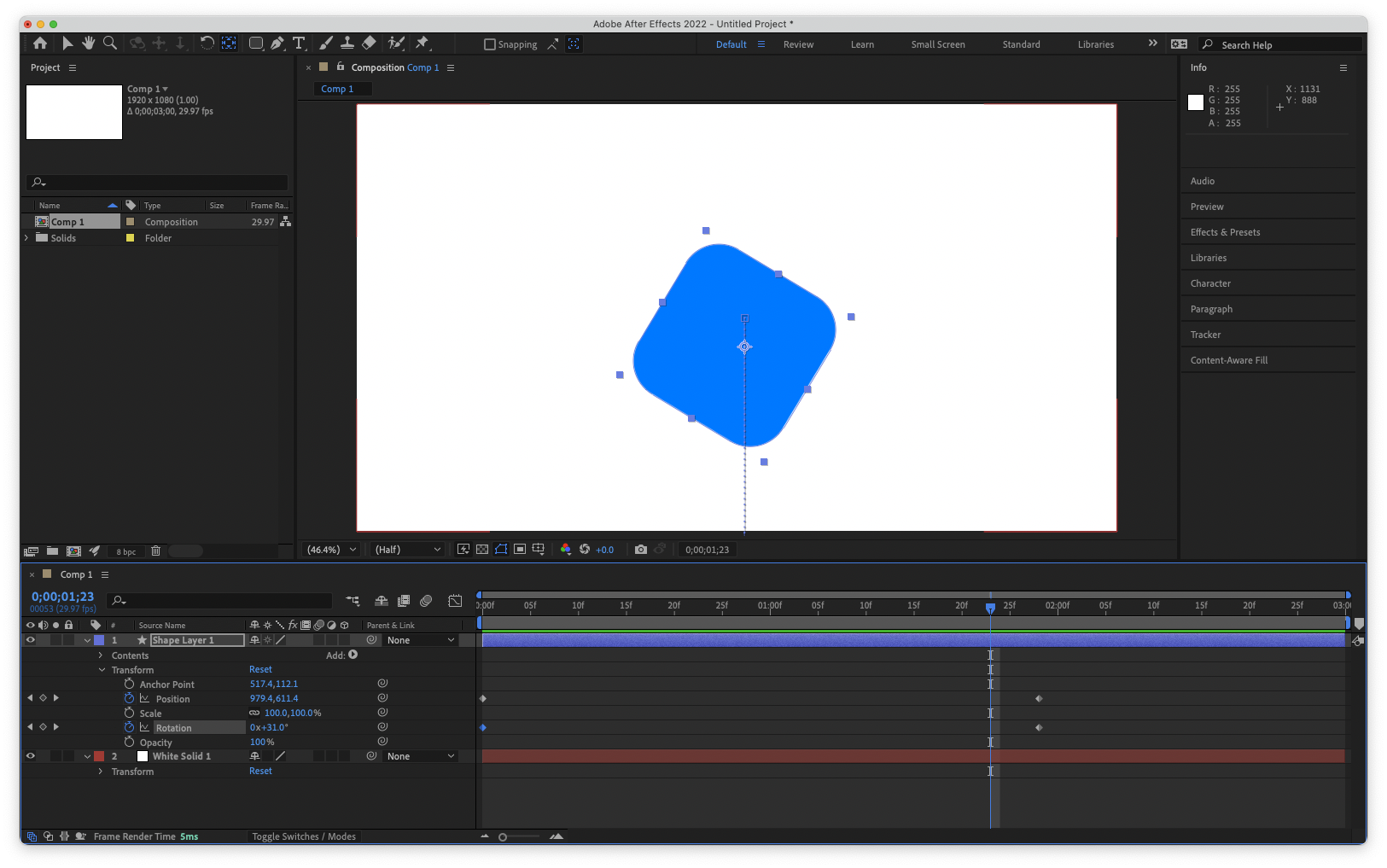
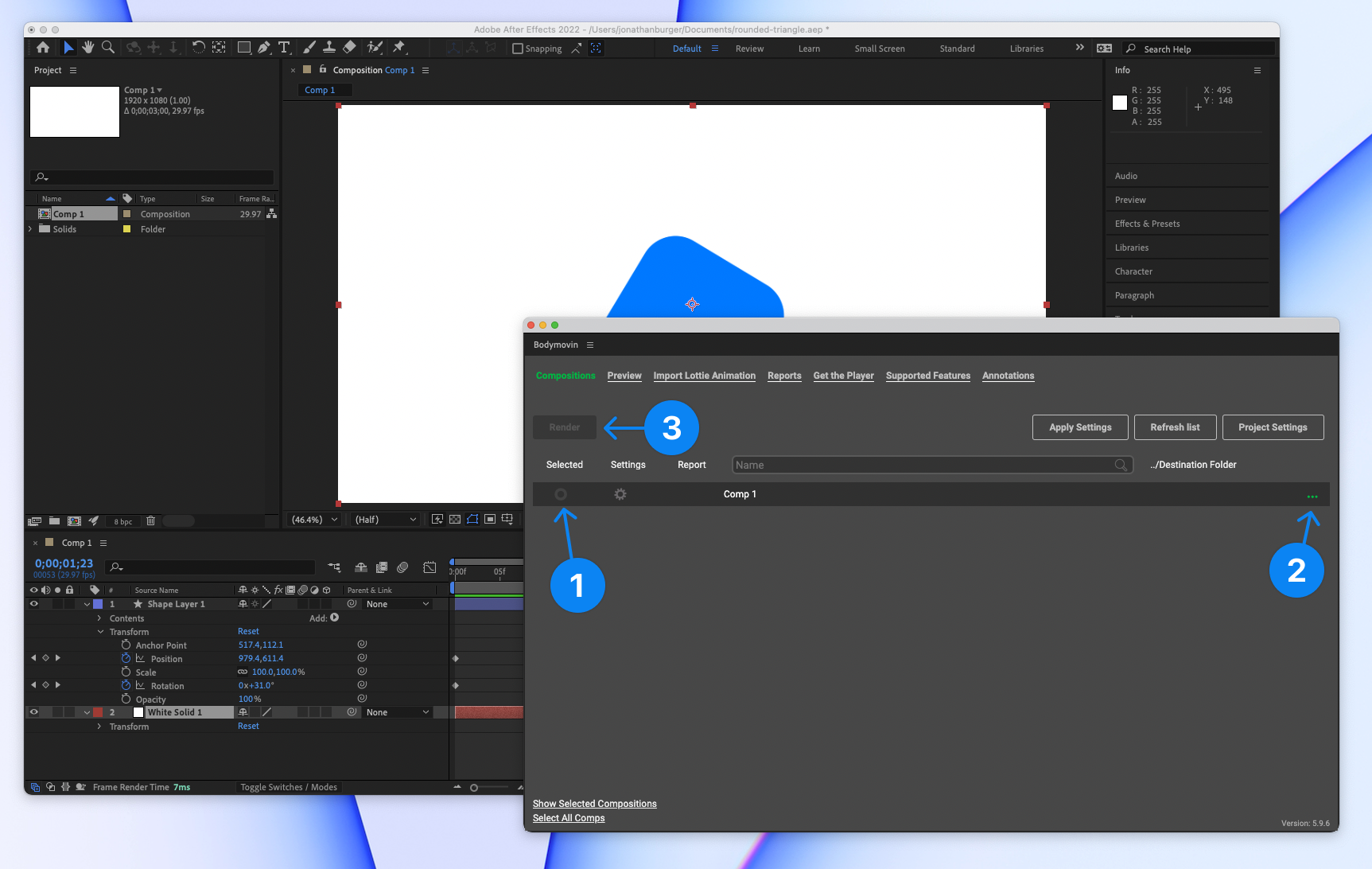
在 After Effects 中设计你的动画。在这个基本示例中,我们使用圆角矩形工具绘制了一个蓝色的圆角方块,然后打开变换菜单,点击秒表图标为位置和旋转设置关键帧,以创建一个简单的入场效果。
🌐 Design your animation in After Effects. In this basic example, we used the rounded rectangle tool to draw a blue rounded square and then opened the transform menu and clicked the stopwatch icon to set keyframes for position and rotation to create a simple entrance effect.
允许导出为 JSON
🌐 Allow export as JSON
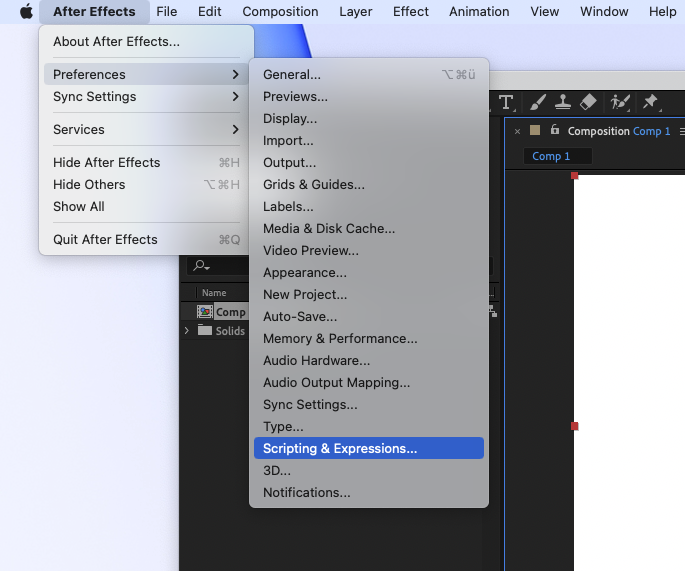
在 After Effects 菜单中,转到 Preferences -> Scripting & Expressions...。启用第一个选项:Allow Scripts to Write Files and Access Network。你只需执行一次此操作。
🌐 In the After Effects menu, go to Preferences -> Scripting & Expressions.... Enable the first option: Allow Scripts to Write Files and Access Network. You only need to do this once.
打开 Bodymovin 插件
🌐 Open the Bodymovin plugin
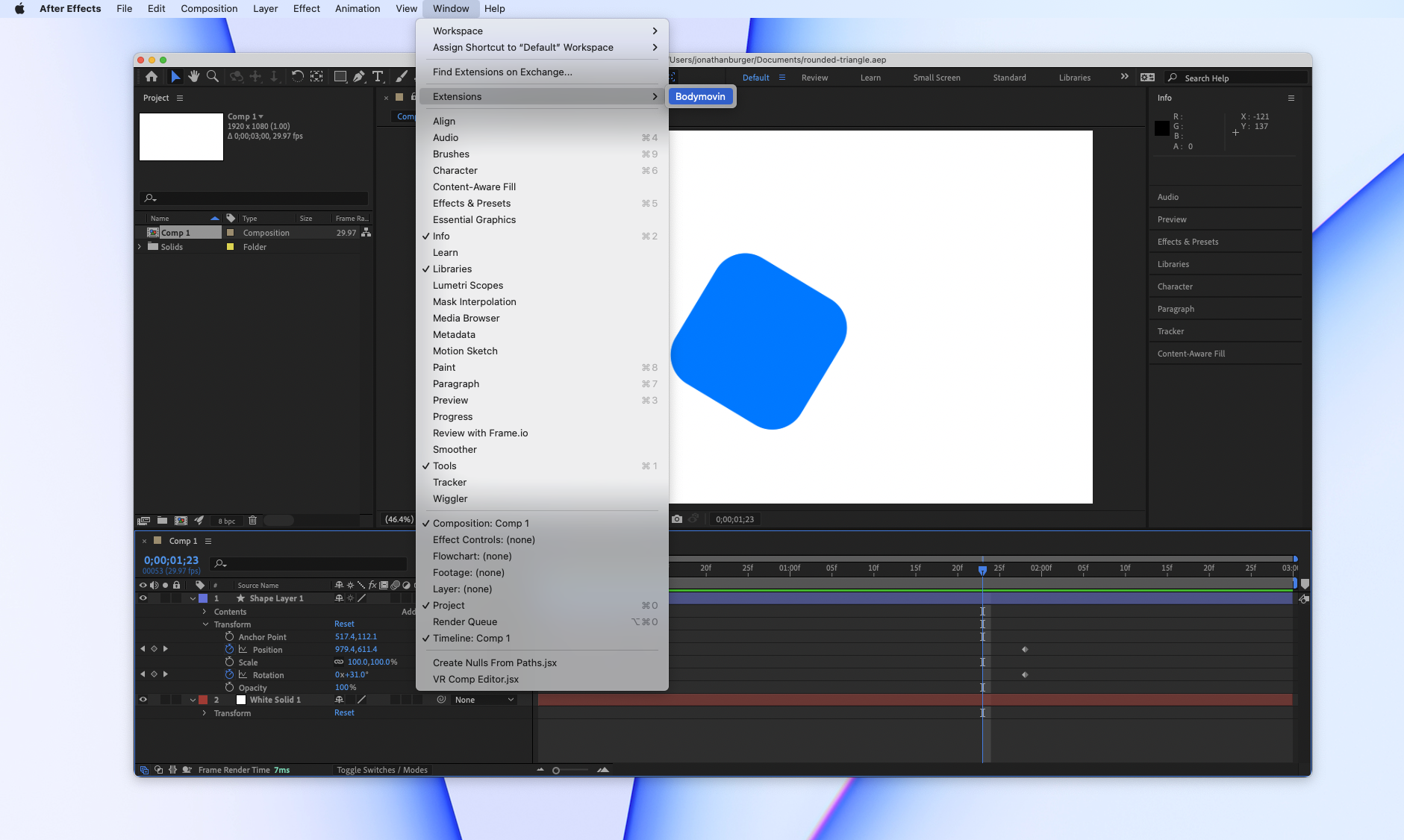
在 After Effects 菜单中,转到 Window -> Extensions -> Bodymovin。
🌐 In the After Effects menu, go to Window -> Extensions -> Bodymovin.
将动画导出为 JSON
🌐 Export the animation as JSON
首先,选择组合
将文件导入到 Remotion
🌐 Import the file into Remotion
将文件复制到 Remotion 项目中。推荐的方式是将 JSON 放入 Remotion 的 public/ 文件夹(如有必要请创建),然后使用 staticFile() 加载它:
🌐 Copy the file into the Remotion project. The recommended way is to put the JSON inside the public/ folder of Remotion (create it if necessary) and then load it using staticFile():
Animation.tsximport {Lottie ,LottieAnimationData } from '@remotion/lottie'; import {useEffect ,useState } from 'react'; import {cancelRender ,continueRender ,delayRender ,staticFile } from 'remotion'; constBalloons = () => { const [handle ] =useState (() =>delayRender ('Loading Lottie animation')); const [animationData ,setAnimationData ] =useState <LottieAnimationData | null>(null);useEffect (() => {fetch (staticFile ('animation.json')) .then ((data ) =>data .json ()) .then ((json ) => {setAnimationData (json );continueRender (handle ); }) .catch ((err ) => {cancelRender (err );console .log ('Animation failed to load',err ); }); }, [handle ]); if (!animationData ) { return null; } return <Lottie animationData ={animationData } />; };
微调
🌐 Finetuning
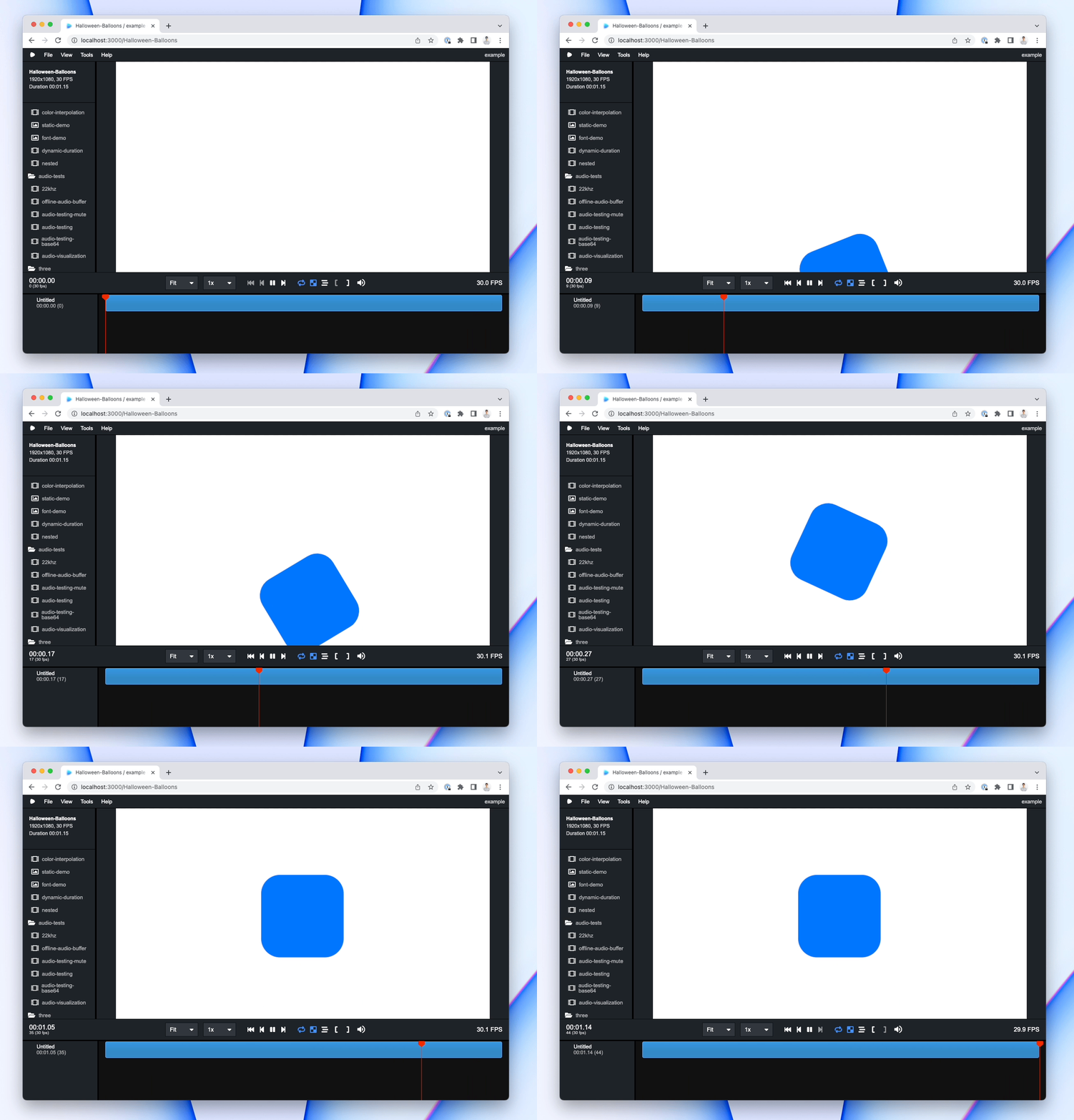
建议将你的作品在 After Effects 中的大小和时长 与原作品相同。恭喜,你正在在 Remotion 中播放 After Effects 动画!🎉
🌐 It is advised to make your composition the same size and duration as the original composition in After Effects. Congrats, you're playing an After Effects animation in Remotion! 🎉
另请参阅
🌐 See also