Remotion 的模型上下文协议
你可以使用 Remotion 的模型上下文协议(MCP)客户端来让你的编辑器的 AI 聊天更好地理解 Remotion。
🌐 You can use Remotion's Model Context Protocol (MCP) Client to make your editor's AI Chat better at understanding Remotion.
我们的 MCP 服务器使用 CrawlChat 的技术将 Remotion 的文档索引到向量数据库中。
🌐 Our MCP server uses CrawlChat's technology to index Remotion's documentation into a vector database.
测试阶段:目前,此工具可以在无需身份验证的情况下开放使用。如果运行此工具的成本过高,我们可能会限制使用。
光标
🌐 Cursor
一键安装
🌐 One-Click Install

手动安装
🌐 Manual Installation
转到你的光标设置: Cmd+Ctrl + P,然后输入> Cursor Settings 并按回车确认。
添加一个 MCP:
{
"mcpServers": {
"remotion-documentation": {
"command": "npx",
"args": ["@remotion/mcp@latest"]
}
}
}如果这个方法有效,应该会出现一个绿色点,并且工具 remotion-documentation 应该会显示出来。
🌐 If this worked, a green dot should show up and the tool remotion-documentation should show up.
如果你现在在创作器中让光标使用 Remotion 文档,MCP 应该会被调用。
🌐 If you now ask Cursor in the composer to use the Remotion Documentation, the MCP should get invoked.
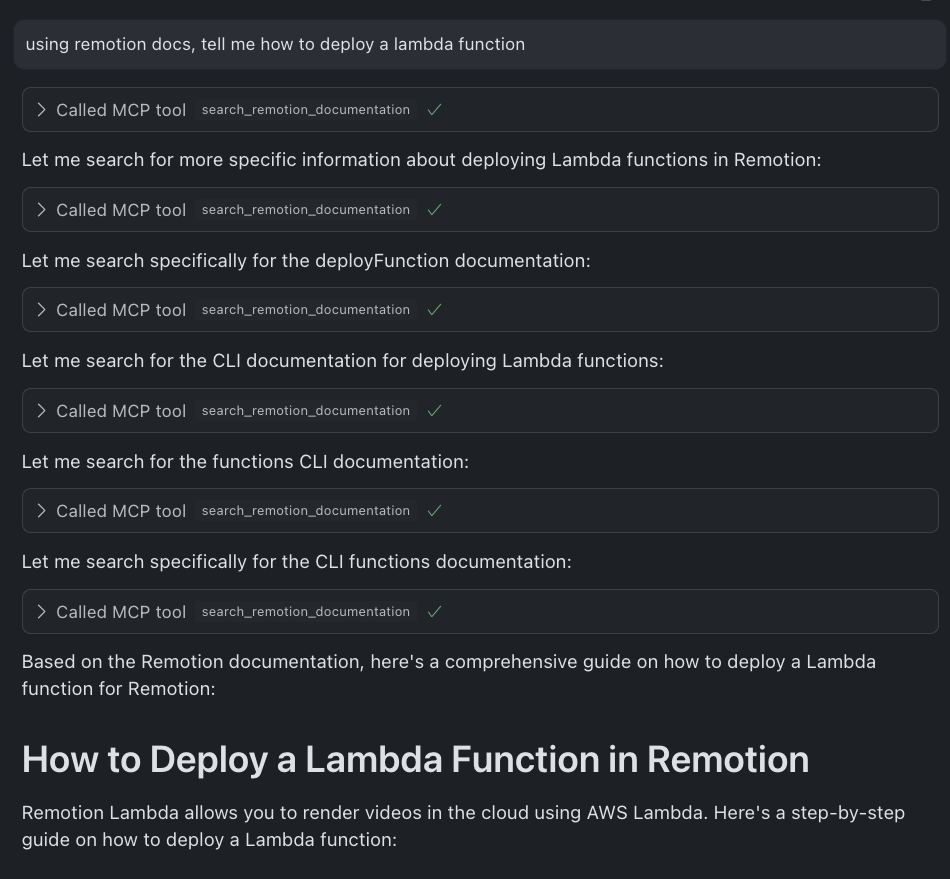
VS Code
一键安装
🌐 One-Click Install
手动安装
🌐 Manual Installation
打开命令面板: Cmd+Shift+P (macOS)或 Ctrl+Shift+P (Windows/Linux)。 输入> MCP: Add Server 并按回车确认。
选择 从 JSON 添加 并粘贴以下配置:
{
"name": "remotion-documentation",
"command": "npx",
"args": ["@remotion/mcp@latest"]
}如果你现在要求 GitHub Copilot Chat 使用 Remotion 文档,则应调用 MCP。
🌐 If you now ask GitHub Copilot Chat to use the Remotion Documentation, the MCP should get invoked.