购买视频编辑器模板
如果你想快速创建一个视频编辑应用,你可以购买现成的编辑器模板和组件,而不是从零开始构建所有内容。以下是可用的选项:
🌐 If you want to build a video editor application quickly, you can purchase pre-built editor templates and components rather than building everything from scratch. Here are the available options:
Remotion 的编辑器入门
🌐 Editor Starter by Remotion
Remotion 提供的官方模板,提供了一个全面的视频编辑基础。
🌐 The official template by Remotion that provides a comprehensive video editor foundation.
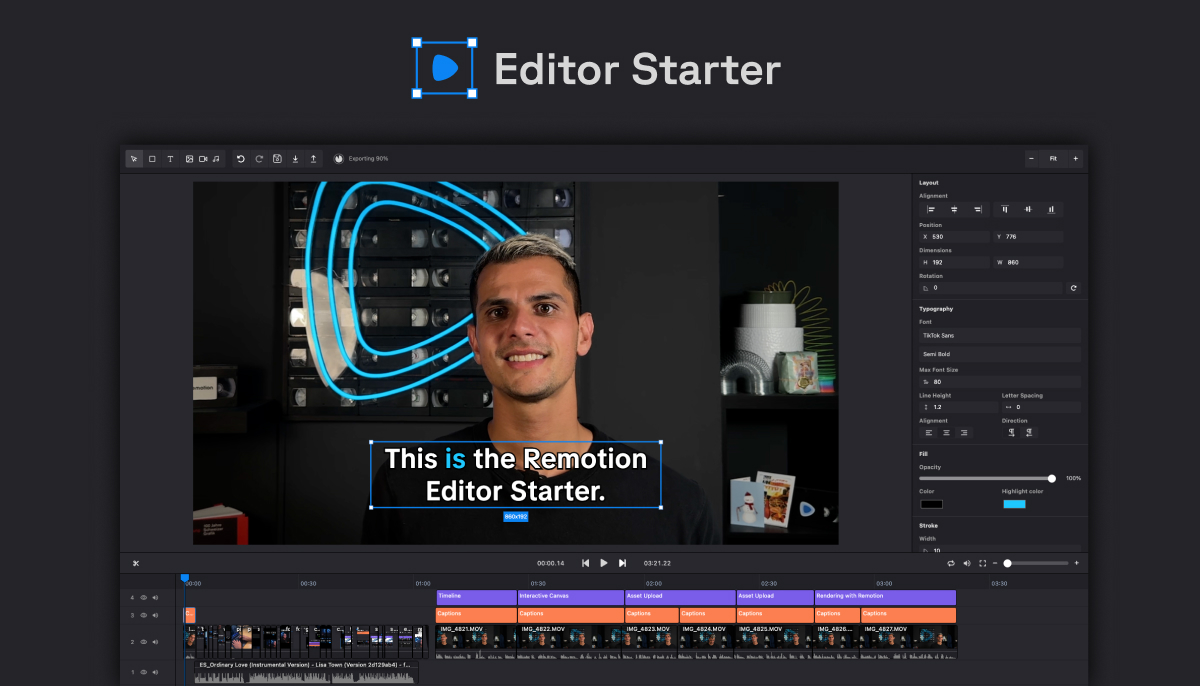
这是由 Remotion 团队构建的编辑器,并包含我们推荐的最佳实践。它的特点包括:
🌐 This is the editor built by the Remotion team and includes the best practices recommended by us. It features:
- 可缩放的时间轴,支持拖放、多重选择、缩略图、波形
- 交互式画布,允许移动和调整图层大小,并进行内联文本编辑
- 将资源上传到 S3 并进行本地缓存
- 通过 Google 字体提供丰富的字体支持
- 使用 OpenAI Whisper 进行字幕制作
- 使用 Remotion Lambda 渲染
更多详情请见: remotion.dev/editor-starter
🌐 More details under: remotion.dev/editor-starter
由 Remotion 提供的时间轴组件
🌐 Timeline component by Remotion
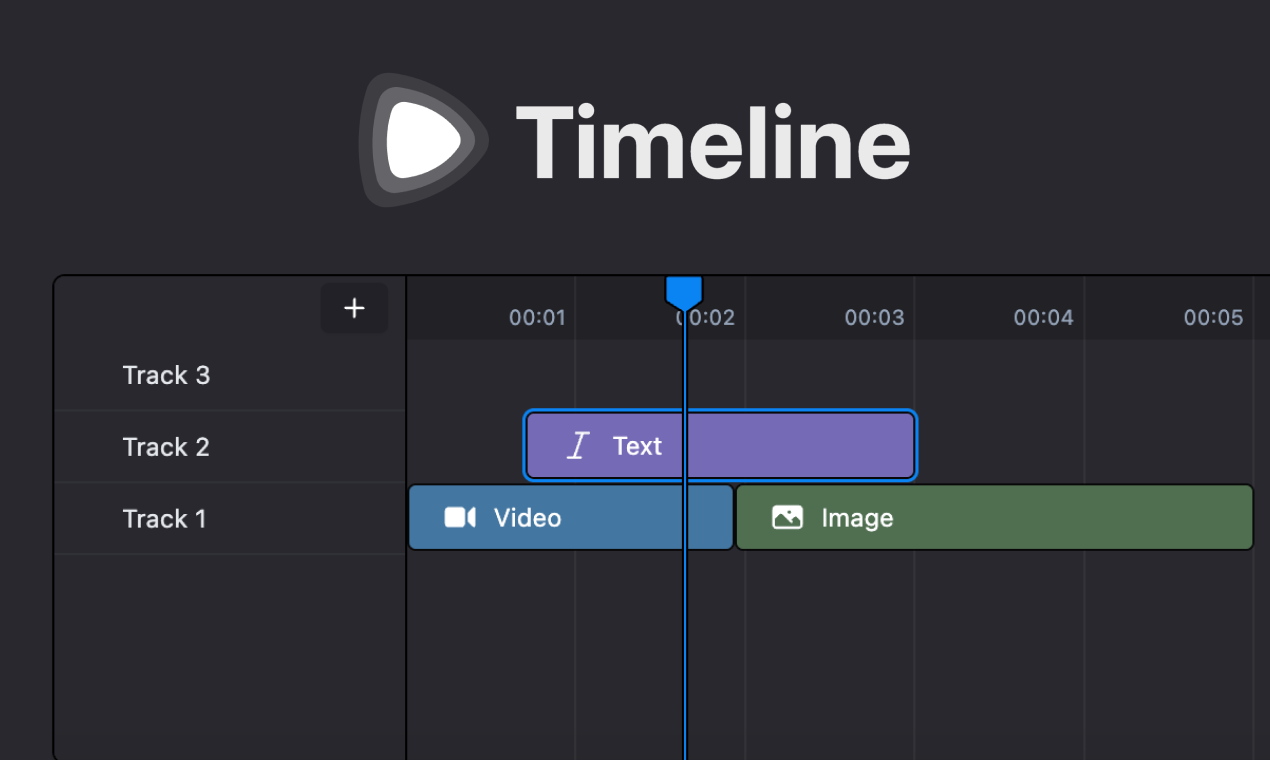
一个遵循 Remotion 所有最佳实践和建议的最小化时间轴界面组件。
🌐 A minimal timeline interface component that follows all of Remotion's best practices and recommendations.
特性:
- 播放头
- 可调整大小、可移动的图层
- 创建并移动轨道
- 幻灯片视频缩略图
如果你只需要时间轴功能,并且想要围绕它构建编辑器的其余部分,建议使用这一方法。
🌐 This is recommended if you need just the timeline functionality and want to build the rest of your editor around it.
更多详情请见:remotion.pro/timeline
🌐 More details under: remotion.pro/timeline
React 视频编辑器
🌐 React Video Editor
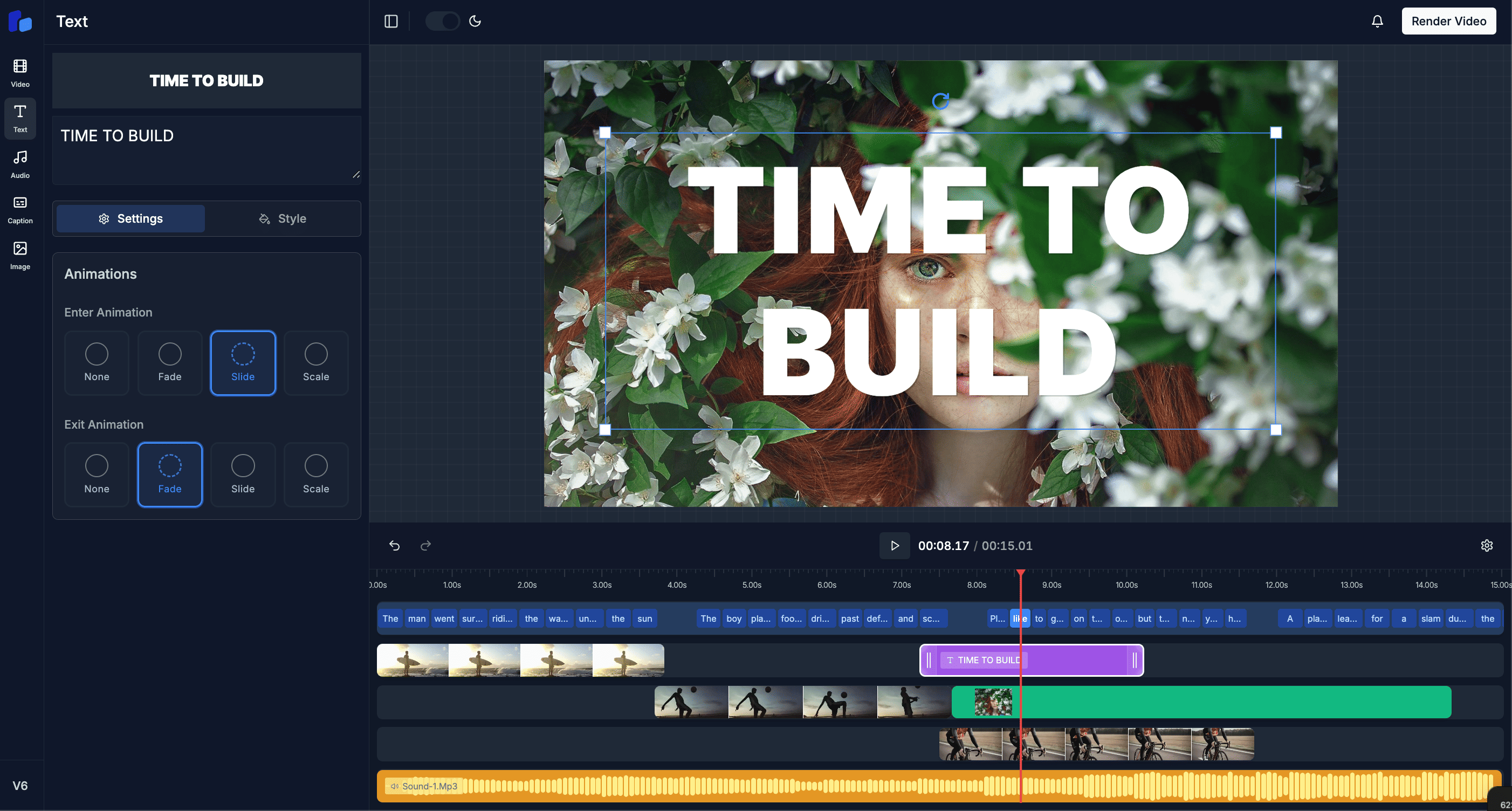
最受欢迎的 Remotion 视频编辑模板,被许多公司使用,具有许多功能:
🌐 The most popular Remotion video editor template, used by many companies, with many features:
- 时间线控制
- 全面的视频编辑功能
- 转场与特效
- 字幕
- 关键帧
- 导出
这是一个成熟的解决方案,提供广泛的视频编辑功能,并且已经被许多开发者验证过。
🌐 This is a mature solution that offers extensive video editing features and has been battle-tested by many developers.
DesignCombo
另一个被生态系统中各种产品使用的第三方选项。
🌐 Another third-party option that's been used by various products in the ecosystem.
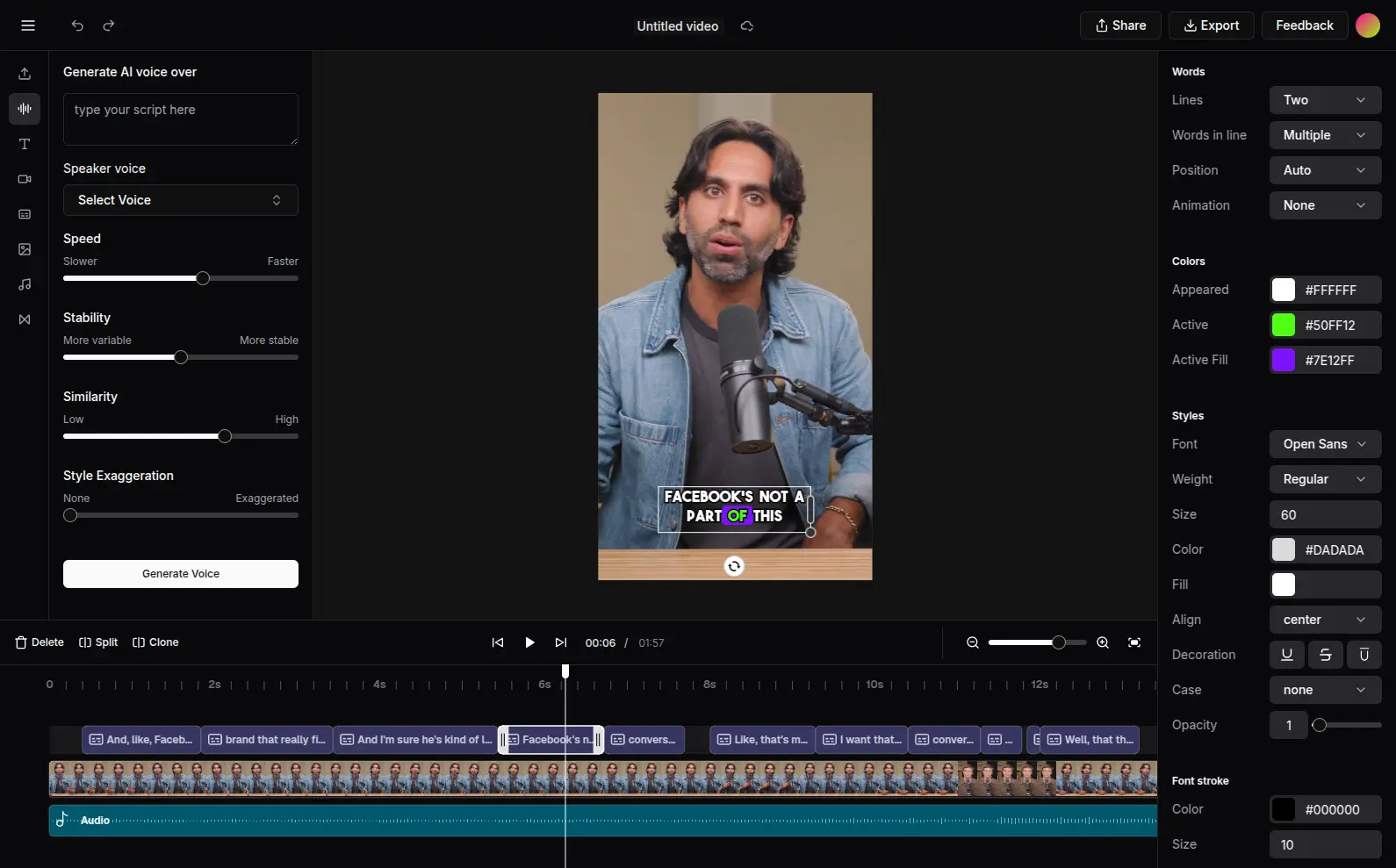
特点:
🌐 Features:
- 文本、视频、音频、图片层
- 各种过渡
- AI 语音配音和字幕
- 导出
另请参阅
🌐 See also