寻找可使用的 Lottie 文件
LottieFiles 是一个人们可以分享和下载 Lottie 文件的网站。
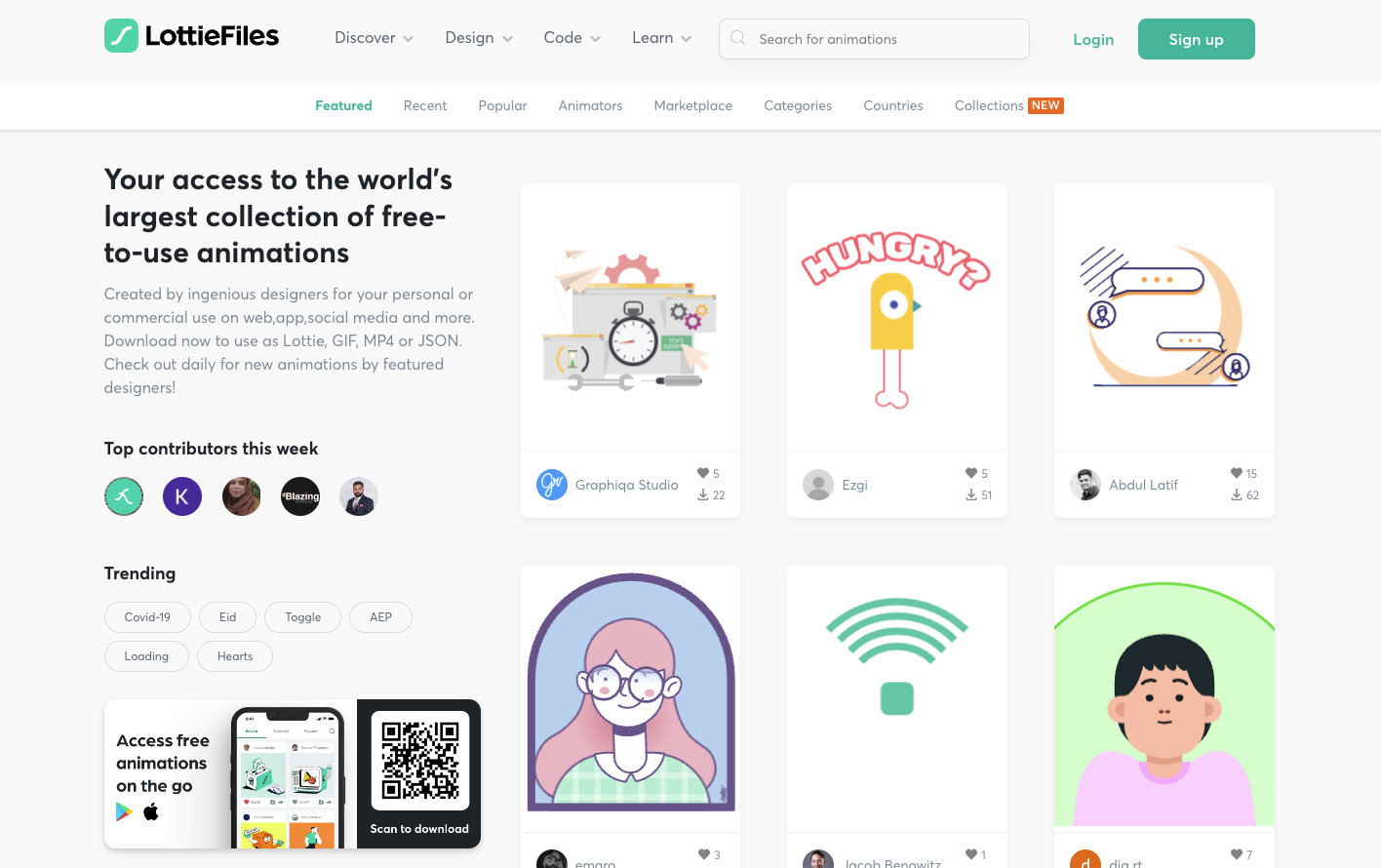
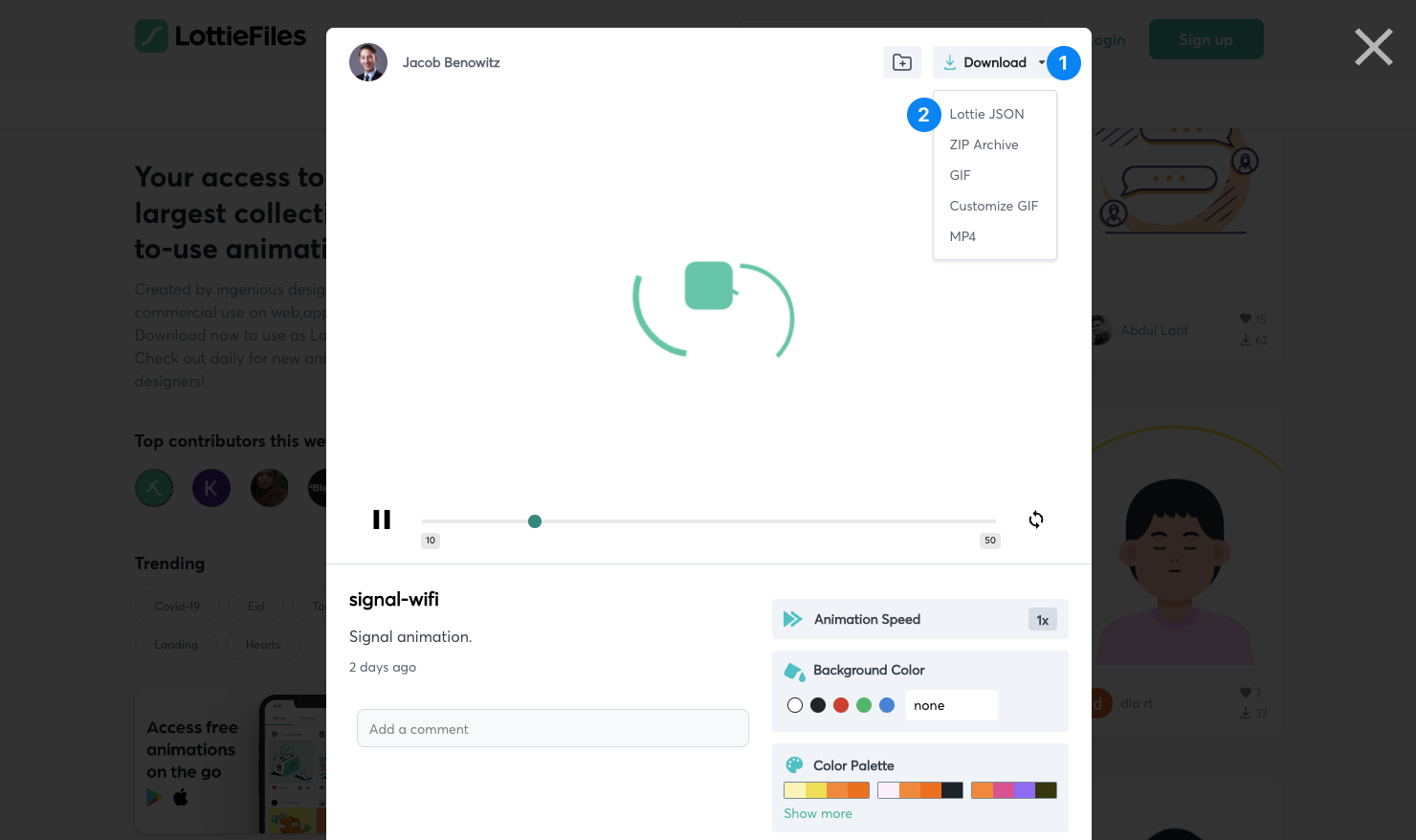
如果你找到一个你喜欢的文件,点击它,然后点击 Download
1
并选择 Lottie JSON 2
作为格式。
将文件导入到 Remotion
🌐 Import the file into Remotion
将文件复制到 Remotion 项目中。推荐的方式是将 JSON 放入 Remotion 的 public/ 文件夹(如有必要请创建),然后使用 staticFile() 加载它:
🌐 Copy the file into the Remotion project. The recommended way is to put the JSON inside the public/ folder of Remotion (create it if necessary) and then load it using staticFile():
Animation.tsximport {Lottie ,LottieAnimationData } from '@remotion/lottie'; import {useEffect ,useState } from 'react'; import {cancelRender ,continueRender ,delayRender ,staticFile } from 'remotion'; constBalloons = () => { const [handle ] =useState (() =>delayRender ('Loading Lottie animation')); const [animationData ,setAnimationData ] =useState <LottieAnimationData | null>(null);useEffect (() => {fetch (staticFile ('animation.json')) .then ((data ) =>data .json ()) .then ((json ) => {setAnimationData (json );continueRender (handle ); }) .catch ((err ) => {cancelRender (err ); }); }, [handle ]); if (!animationData ) { return null; } return <Lottie animationData ={animationData } />; };
另请参阅
🌐 See also