
Remotion 录制器是一款视频制作工具 ,完全用 JavaScript 构建。
录音
🌐 Recording
同时独立地录制你的摄像头和屏幕。这可以让你之后创建动态布局。
🌐 Record your facecam and screen in sync but independently. This allows you to create a dynamic layout later.
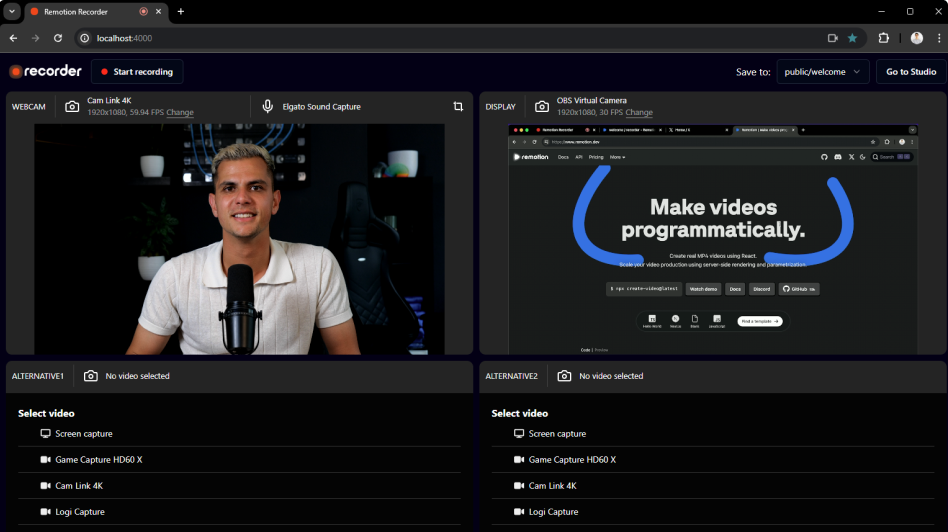 | |
记录网络摄像头并将其作为独立的流显示。最多可以同时记录4个来源! | 确保你处于视频中心,并且不要靠麦克风太近。 |
不同的平台需要不同的格式
🌐 Different platforms require different formats
每个平台对于视频的显示方式都有自己的规范。
🌐 Each platform has its own conventions for how videos should look.
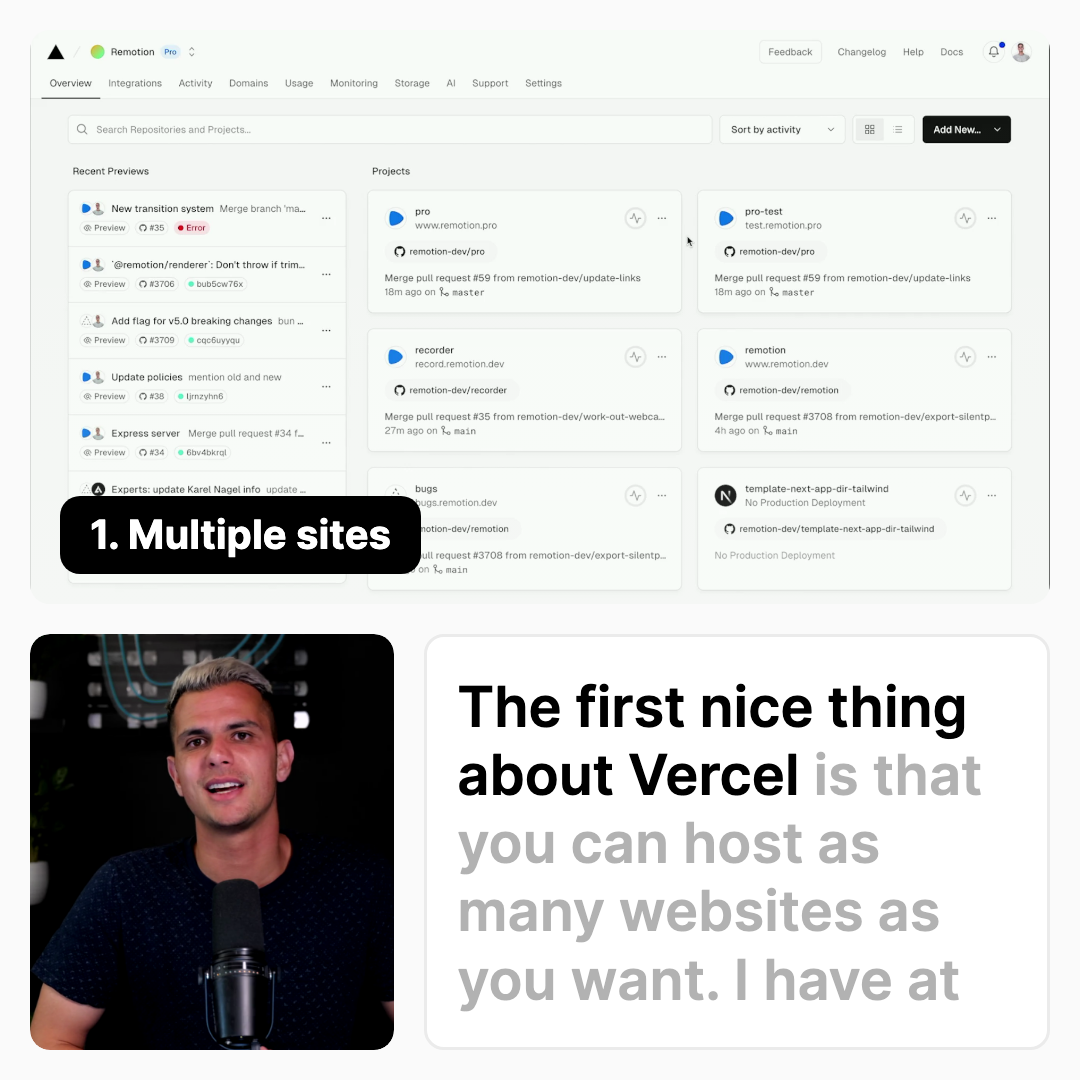 | ||
| 推特, 领英 1:1 默认静音 字幕已烧录 | 优兔 16:9 默认有音频 字幕为 .srt 文件 带相关视频的结束画面 | TikTok、Reels、Shorts 计划9:16 底部需要安全区域 逐字字幕 |
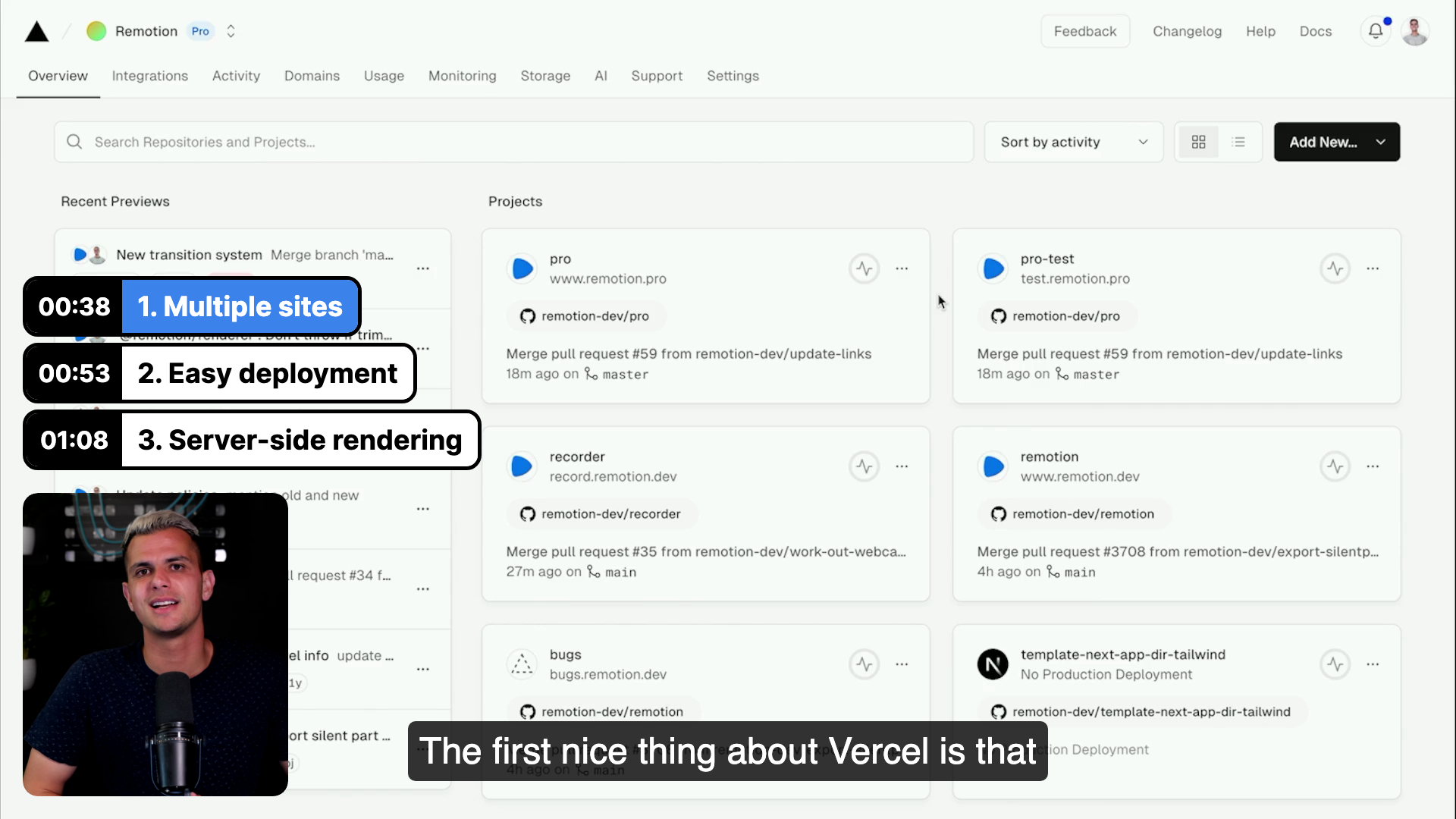
录音机的目标:编辑一次 并在每个平台上感觉自然。
这对你的帖子的表现有可衡量的影响:例如,在 X 上发布 1:1 视频 可使视频观看量提高 30-35%,互动率提高 80-100%。
🌐 This has a measurable impact on the performance of your post: For example, a 1:1 video on X results in 30-35% higher video views and a 80-100% higher engagement rate.
字幕是必不可少的
🌐 Captions are essential
使用 Whisper.cpp 在本地生成字幕。录音机会自动为你安装它。 AI 会出错 —— 所以我们使纠正它们变得很简单。
🌐 Generate captions locally using Whisper.cpp. The Recorder will automatically install it for you.
AI will make mistakes - so we make it easy to correct them.
Captions have word-level timings | Orphan words are avoided by balancing the text layout | Use |
Fix captions quickly by clicking on a word | 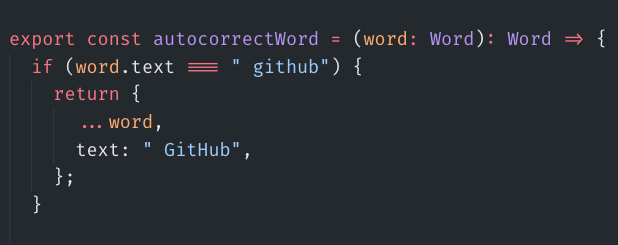 Write a JavaScript function to fix common misspellings |  Captions are stored as editable JSON |
不可知论片尾画面
🌐 Agnostic endcards
你的观众看完整个视频了!现在别让他们忘记你。
🌐 Your viewer watched the entire video! Now don't make them forget about you.
If you post on Twitter, the call-to-action is "Follow" and your other platforms are linked. | 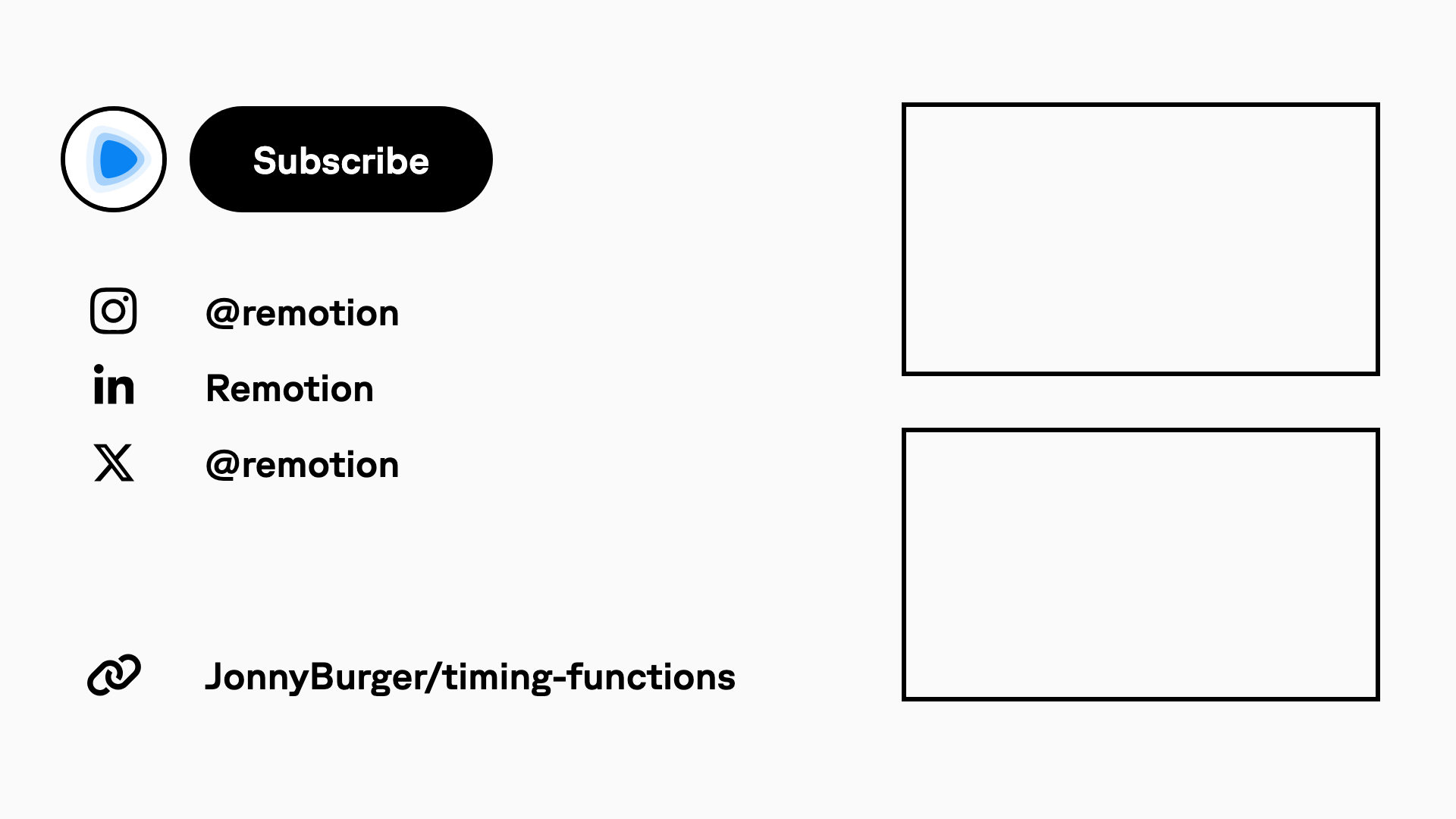 If you post on YouTube, the call to action is "Subscribe" and cutouts for related videos are made. |
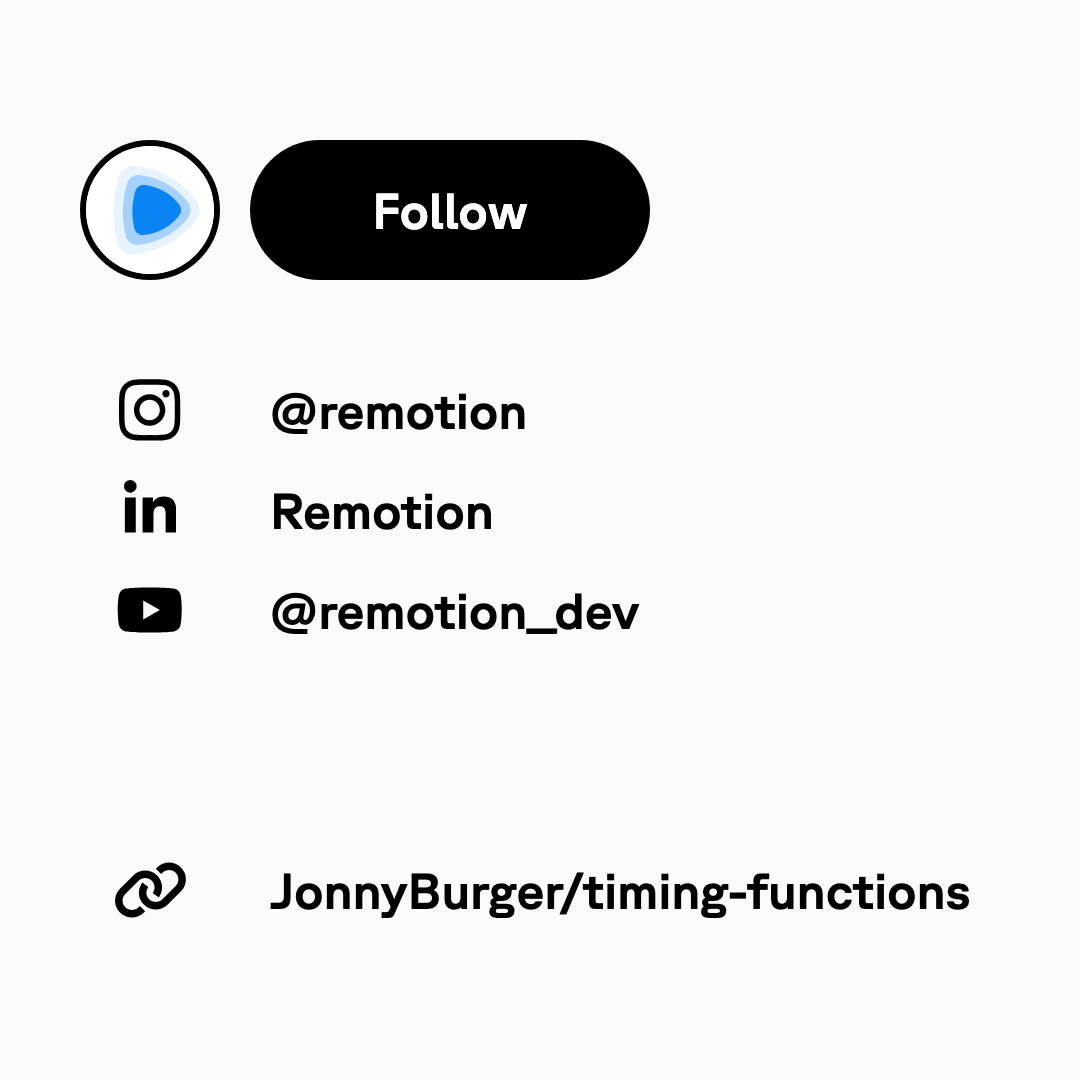
结束卡是用 React 和 CSS 编写的,因此可以轻松自定义。
🌐 The endcard is written with React and CSS, so can be easily customized.
自定义
🌐 Customization
拥有整个源代码的访问权限后,你可以使用 CSS 来定制录音机的外观。
🌐 Having access to the entire source code, you can use CSS to customize the look of the Recorder.
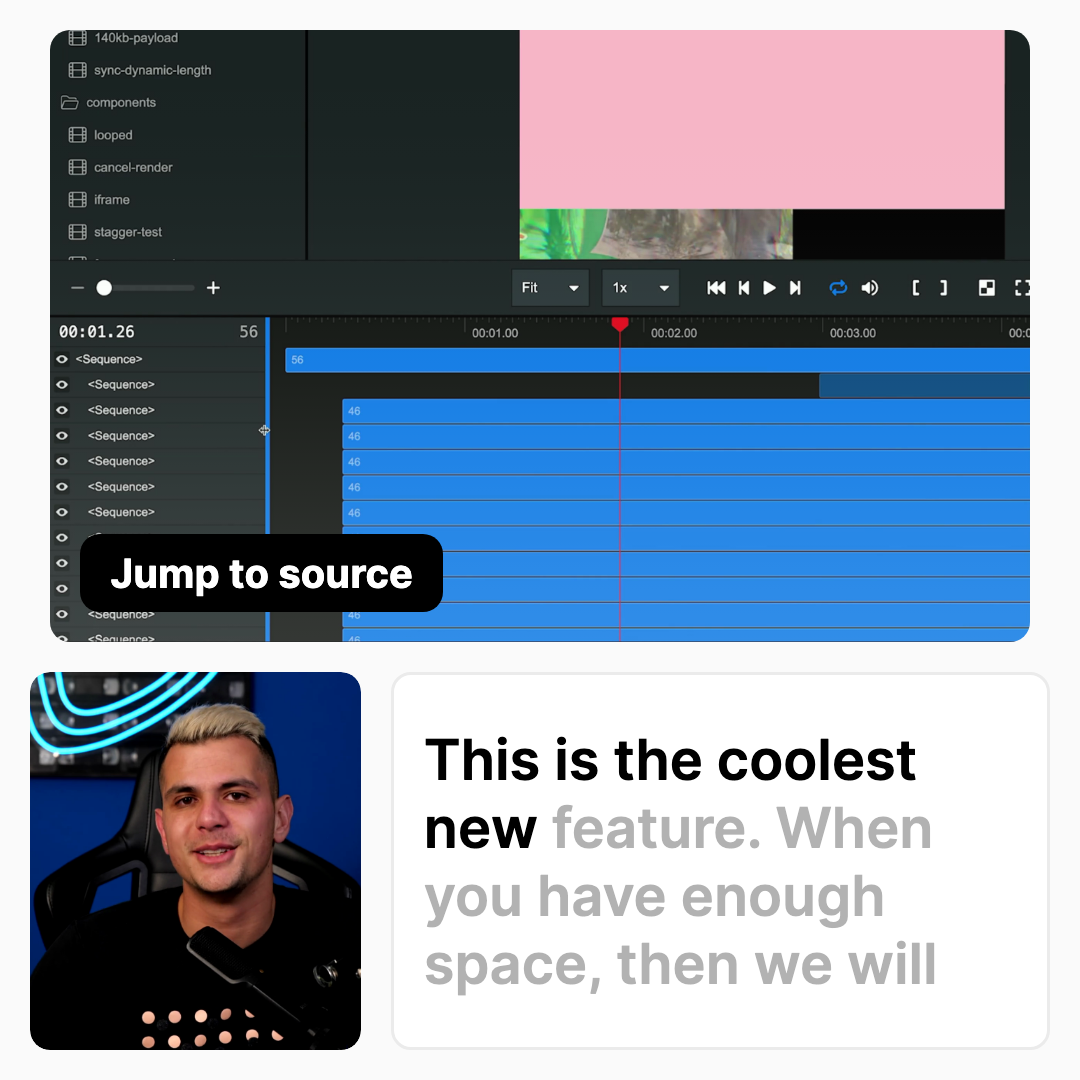 Look of the built-in light theme | 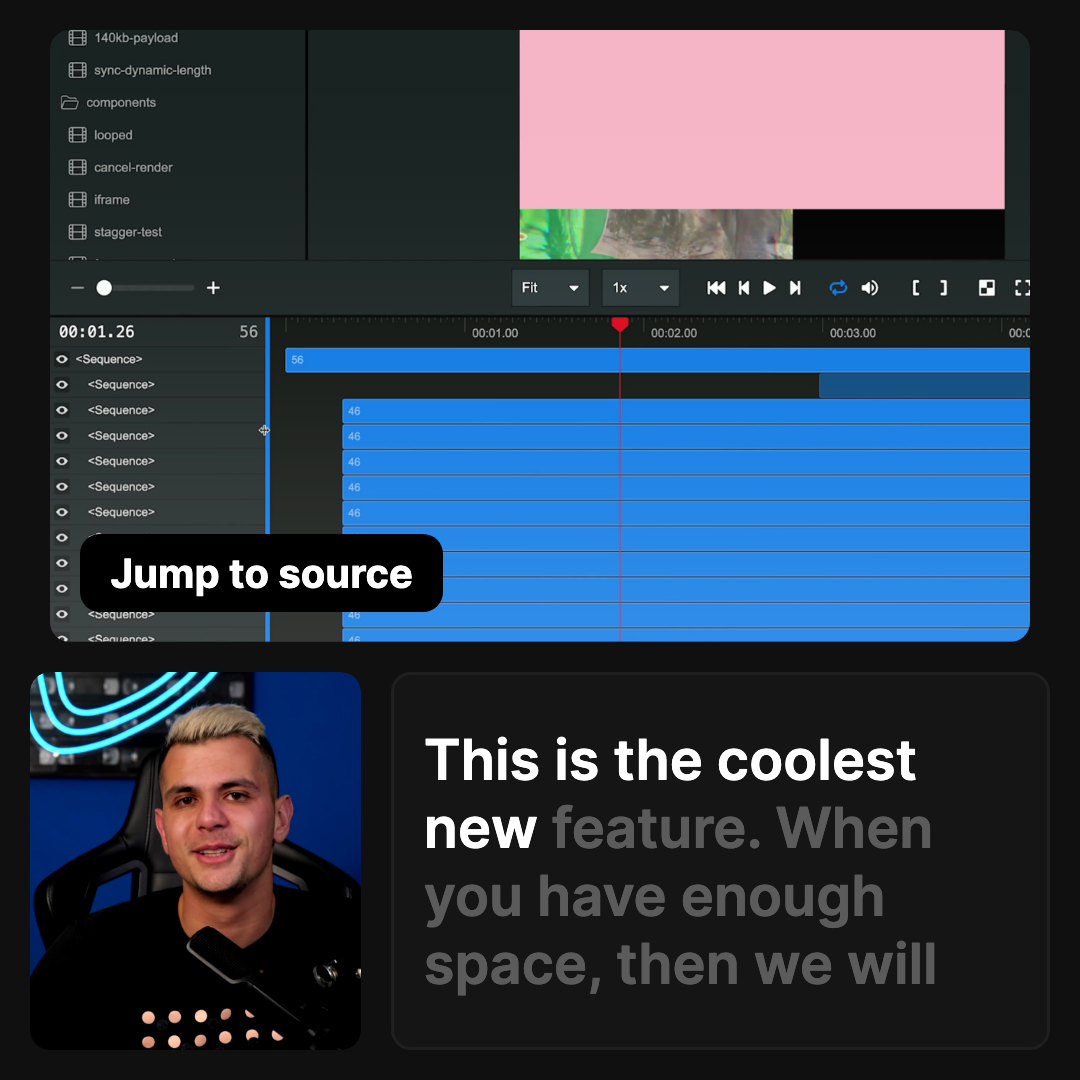 Look of the built-in dark theme | 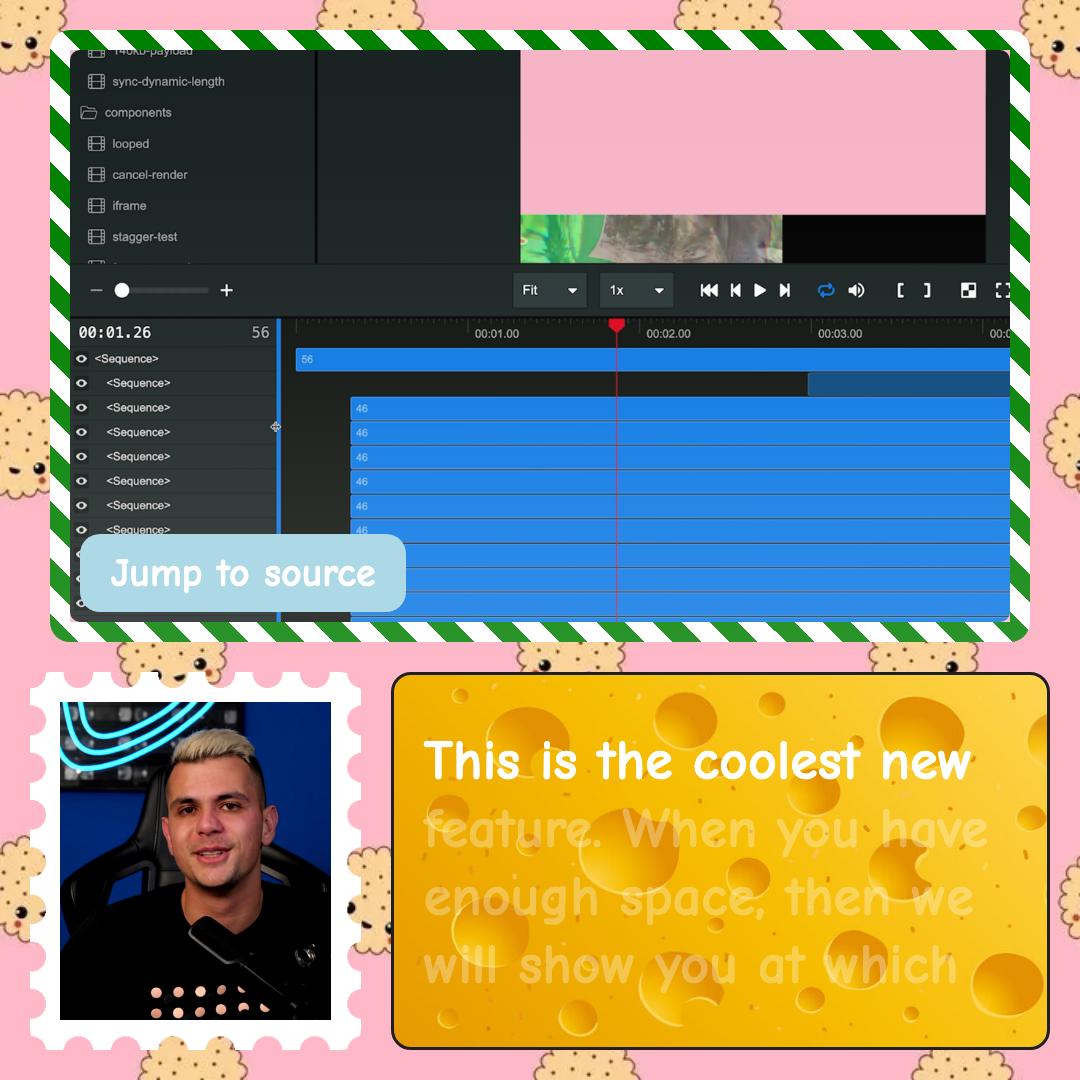 Use CSS to make it your own! |
Recorder 是用 TypeScript 和 React 构建的,你可以完全自定义它的行为。它是一个可破解的视频编辑器。
🌐 The Recorder is built with TypeScript and React, and you can fully customize it's behavior. It's a hackable video editor.
静音去除
🌐 Silence removal
自动删除录音开头和结尾的静音部分。
🌐 Automatically remove the silence at the start and end of your take.
音乐
🌐 Music
为你的视频添加背景音乐,并在不同部分之间自动淡入淡出。
包含三首专属曲目,你可以在视频中使用。
🌐 Add background music to your video and automatically fade between the different sections.
Three exclusive tracks are included that you may use for your video.
布局
🌐 Layouting
无论你只录制你的面部摄像,还是同时录制屏幕,录制器总能找到理想的布局——即使你混合使用横屏和竖屏视频。
🌐 Whether you only record your facecam, or also your display, the Recorder always finds the ideal layout - even if you mix landscape and portrait videos.
过渡
🌐 Transitions
实现场景之间的平滑过渡——无论你是否在视频中更改布局。
🌐 Enable clean transitions between scenes - no matter if you change the layout during the video.
章节
🌐 Chapters
将场景标记为新章节的开始,并自动生成动画章节。
🌐 Mark a scene as the beginning of a new chapter and automatically generate animated chapters.
B-roll
🌐 B-Roll
在你的脸部摄像头或显示屏上添加图片和视频,同时播放你的旁白,以增加视频的深度。
🌐 Add images and videos on top of your facecam or display while your voiceover is playing to give the video more depth.
导出
🌐 Exporting
导出视频时可以对编码选项进行更多控制。 只需点击按钮、使用CLI、Node.JS API、GitHub Actions,甚至在AWS Lambda上,就能渲染视频!
🌐 Export your video with much control over the encoding options.
Render a video with a single click on a button, the CLI, Node.JS APIs, GitHub Actions, or even on AWS Lambda!
另请参阅
🌐 See also
1) 9:16 格式尚未实现。