场景
🌐 Scenes
视频由一个或多个场景组成。
🌐 A video is made up of one or multiple scenes.
要添加新场景,请点击右侧边栏中的 +。
🌐 To add a new scene, click on + in the right sidebar.
场景类型
🌐 Types of scenes
你可以选择多种类型的场景:
🌐 There are multiple type of scenes you can choose from:

标题场景
🌐 Title Scene
标题由主标题和可选副标题组成。
通过选中右侧的 null 复选框可以移除副标题。
🌐 A title consists of the main title and an optional subtitle.
The subtitle can be removed by checking the null checkbox in the right side.
视频场景
🌐 Video Scene
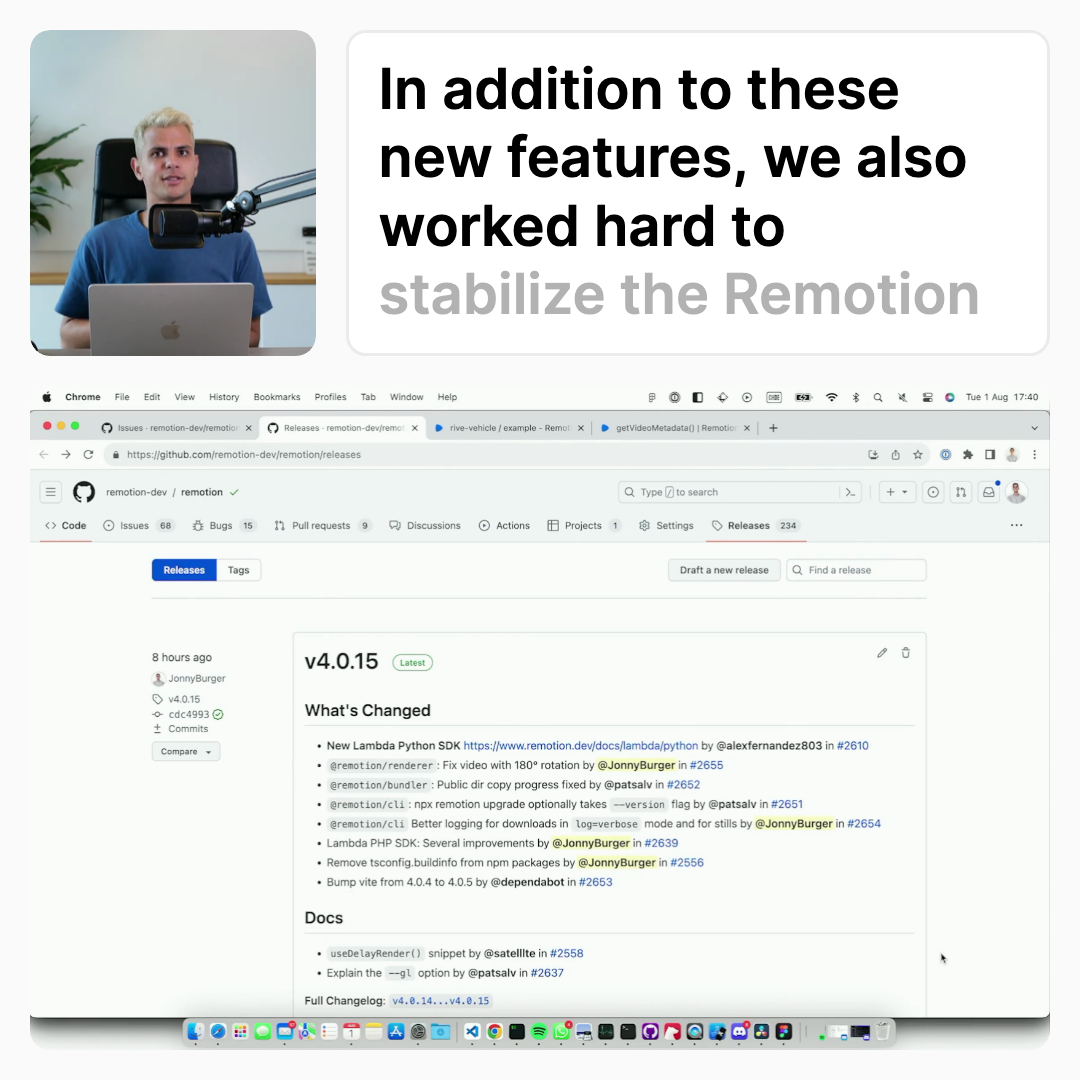
一个视频场景包含一个网络摄像头录制,一个可选的屏幕录制和字幕,如果生成。每个使用录制器捕获的录制对应一个视频场景。 对于每个新添加的视频场景,时间线中将添加按时间顺序的下一个录制。
🌐 A video scene contains a webcam recording, an optional screencast and captions, if generated. Each recording captured with the recorder corresponds to one video scene. For each newly added video scene, the chronologically next recording will be added to the timeline.
网络摄像头可以放置在视频的四个角落中的任意一个。其他组件将自动围绕网络摄像头定位。
🌐 The webcam can be positioned in either one of the four corners of the video. The other components will be automatically positioned around the webcam.
片尾卡
🌐 Endcard
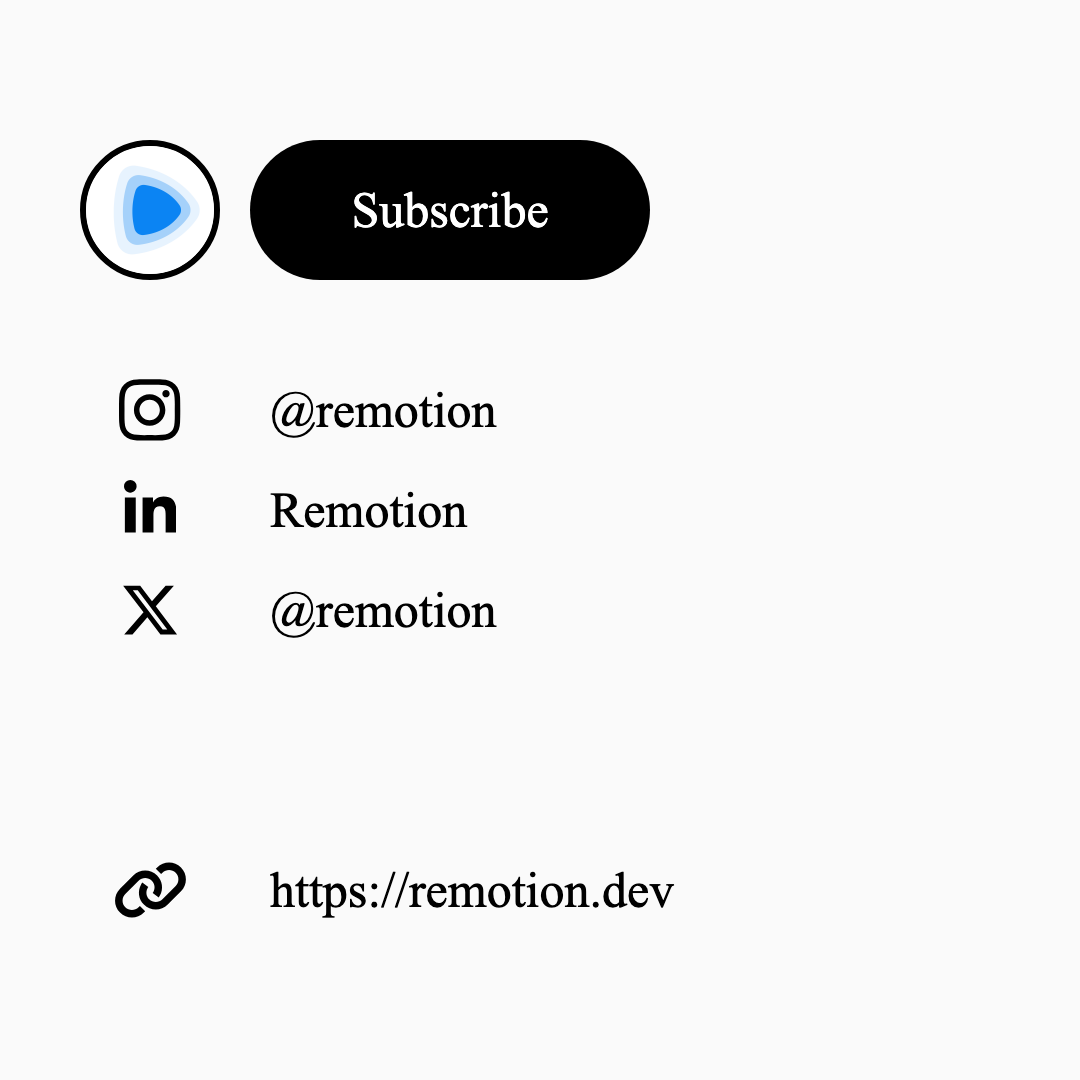
在结尾卡片中,你可以添加行动号召,例如指向你的社交媒体资料或其他网站的链接。
🌐 In the endcard you can add call to actions, such as links to your social media profiles or other websites.